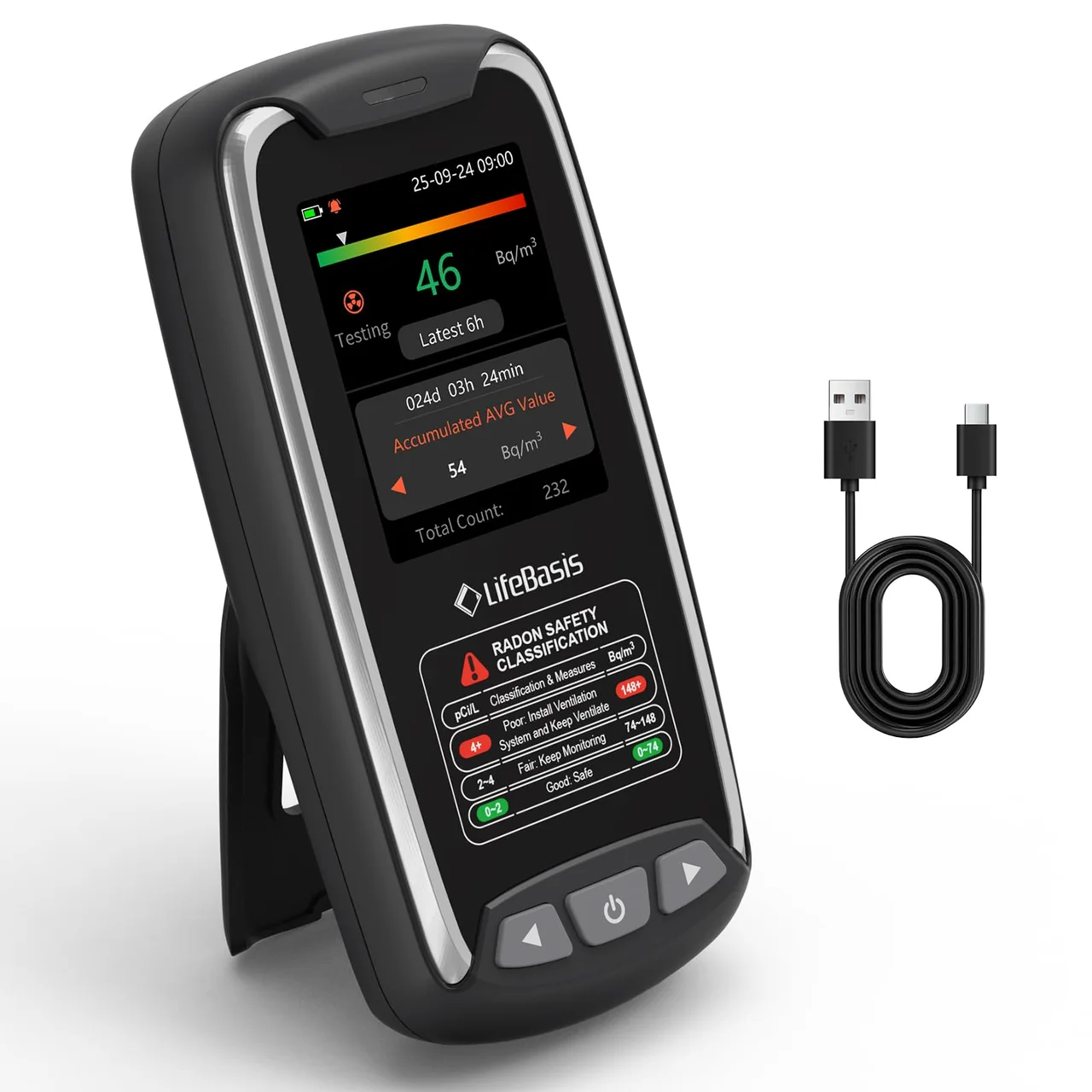
A smart air quality monitor does one thing a dumb monitor cannot: it keeps watching when you are not in the room. Wi-Fi connectivity pushes readings and alerts to your phone, builds long-term trend charts, and — in the best implementations — feeds other smart-home devices so that ventilation, purifiers, or dashboards react to the data automatically.
Here are the connected monitors we recommend for smart-home households, based on published specifications and how they actually integrate with modern setups.
What to look for
- Wi-Fi reliability. A smart monitor is only as good as its connection. 2.4 GHz Wi-Fi support is standard; avoid models with flaky app history.
- Integration depth. Native Home Assistant or Alexa/Google integrations matter for automation-minded households. Cloud-only apps work, but they lock your data to one vendor.
- Alert quality. Real-time push alerts for configurable thresholds are the core feature — verify they work without paid subscriptions.
- History retention. Local history in the app is table stakes; exportable data is a bonus for pattern analysis.
- Sensor coverage. Connected does not mean comprehensive. Match sensors (CO2, PM2.5, VOCs, radon) to the problems you are actually tracking.
The picks
Airthings View Plus — best all-round connected monitor
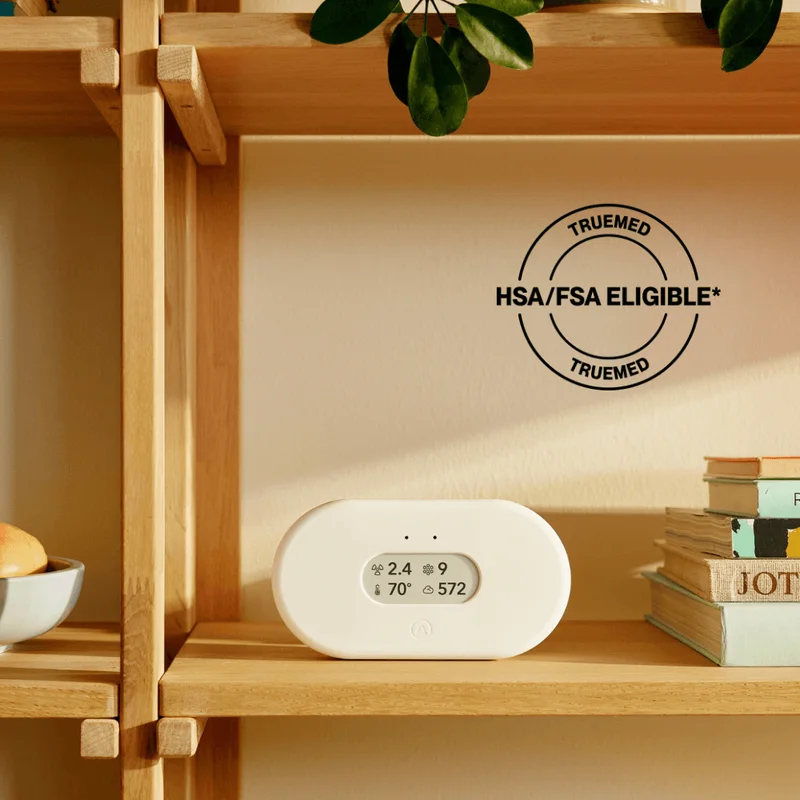
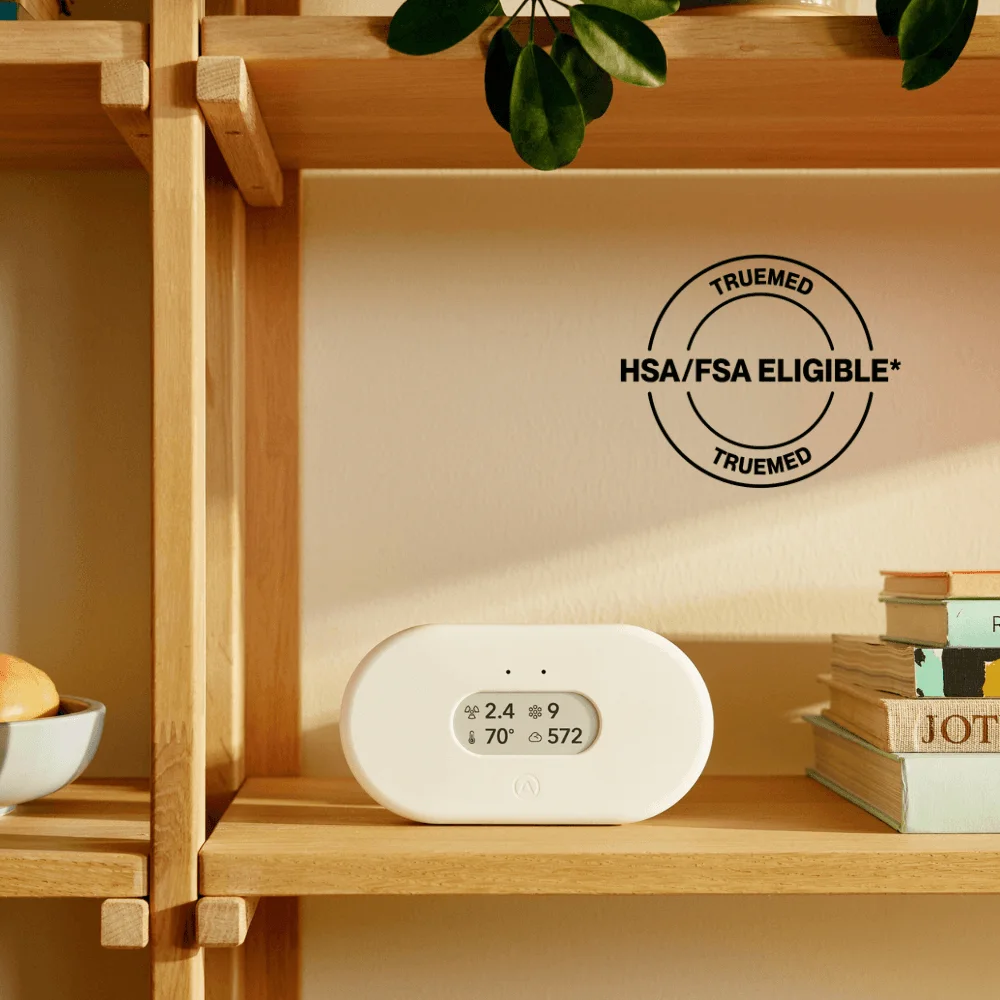
The Airthings View Plus is the smart monitor we recommend to most households: seven sensors including radon, Wi-Fi app alerts, battery or USB-C power, and trend history that is genuinely easy to read. It integrates with popular smart-home ecosystems, and the app’s weekly summaries make the data approachable. It is premium-priced and the radon data is for trends rather than formal reporting — but for a one-device connected air station, it is the benchmark.
Aranet Radon Plus — best for Home Assistant enthusiasts
For households that run their own smart-home stack, the Aranet Radon Plus stands out: an ionization-chamber radon sensor with temperature, humidity, and pressure, an e-ink display, and notably good Home Assistant support per its published specs. Cloud sync and the Aranet app round out the package. It is expensive and not available in every region, but if radon data belongs on your dashboard, this is the most integration-friendly option we cover.
EcoQube Air — best design-focused smart monitor
The EcoQube Air brings a broad sensor set — CO2, PM2.5, VOC, temperature, and humidity — into a compact, design-forward unit with Wi-Fi and a clean app. It suits living spaces where the monitor is part of the decor, and its real-time alerts work like the more utilitarian options. The premium price and the fact that its VOC and CO2 numbers are estimates rather than lab-grade are the tradeoffs to weigh.
Real-world usage scenarios
- The automation household. With a connected monitor, a CO2 spike can trigger a fan or a window notification; a particle surge can turn on an air purifier. Native integrations make these automations trivial to build.
- The away-from-home check. Smart alerts matter most when nobody is home: a sudden humidity climb could mean a leak, and a CO2 pattern could reveal a forgotten window. Push alerts turn the monitor into a house sitter.
- The trend analyst. Weekly and monthly charts let you see how ventilation changes across seasons — and prove (or disprove) that the new range hood is working.
- The multi-floor home. Connected monitors pair naturally with companion units, letting a single app show radon in the basement and CO2 in the bedroom on one screen.
Buying advice
Decide first whether you want vendor-specific or open integrations. If your smart home is built on Home Assistant, integration depth should drive the choice. If you just want push alerts, a simpler connected monitor saves money. Watch for subscription creep — the core monitoring on all our picks works without paid plans, but verify current app terms before buying. Prices for connected monitors drop during fall sales; if your need is seasonal (wildfire, allergy), timing the purchase can save a meaningful amount.
Frequently asked questions
Do smart air quality monitors need a hub?
Most modern monitors, including our picks, connect directly to Wi-Fi and need no hub. Older or Zigbee-based models may require one, so check connectivity before buying.
Can they trigger other smart devices?
Through supported ecosystems, yes — you can automate fans, purifiers, or notifications based on monitor readings. The depth of that integration varies by brand, which is why we highlight Home Assistant support where it exists.
Do I need a subscription for alerts?
In our research, core features — real-time readings, history, and push alerts — work without subscriptions on all three picks. Check the manufacturer's current terms, as premium tiers occasionally add features.
Are cloud-connected monitors a privacy concern?
They transmit environmental data to the vendor's cloud, which is worth knowing. None of our picks collect more than sensor readings and account data per their published privacy practices; privacy-focused buyers can prefer models with local or open-source integration paths.
Will they work if the internet is down?
Readings on the display continue to work offline. Cloud history and remote alerts pause until the connection returns — a practical note for households with patchy internet.